
Download Zemana AntiMalware Free – AntiMalware, Security, Protection
Overview
Zemana AntiMalware Free is a dedicated security tool designed to protect mobile devices from malicious software and online threats. The app addresses the growing need for reliable, real-time protection in an environment where cyber risks are increasingly sophisticated. It offers users a way to detect and neutralize potential threats through comprehensive scanning and intelligent threat management. This makes it particularly useful for individuals seeking an additional layer of defense beyond standard device security measures.
Target users include general smartphone owners, remote workers, and anyone concerned about data privacy and device integrity. Whether used for personal browsing, financial transactions, or managing sensitive documents, Zemana AntiMalware Free provides a consistent safety net. The app is especially beneficial for users who may not have advanced technical knowledge but still want robust protection without complexity.
The developer did not provide additional technical details about the company or its background. However, the app’s functionality and consistent release history suggest a focused development team committed to cybersecurity. Real-world use cases include protecting against phishing attempts, preventing unauthorized access to personal data, and eliminating malware introduced through third-party apps or downloads. In the broader app ecosystem, Zemana AntiMalware Free fills a niche for lightweight, effective, and accessible security tools on mobile platforms.
Key Features & Functionality
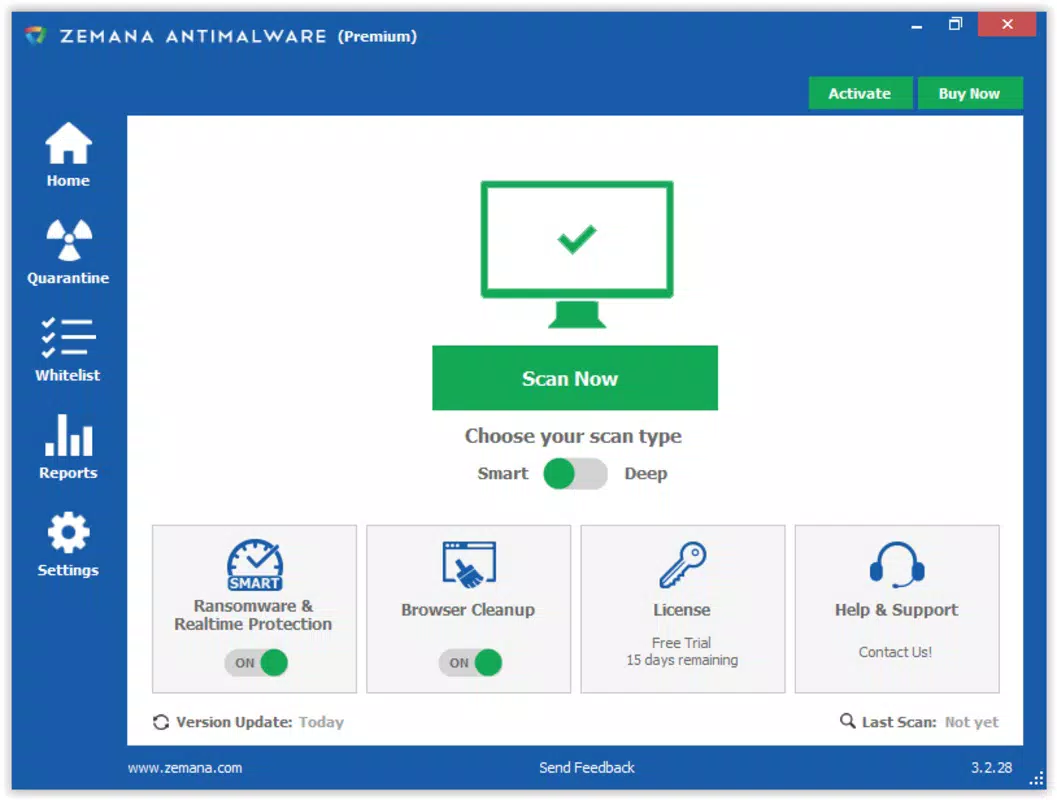
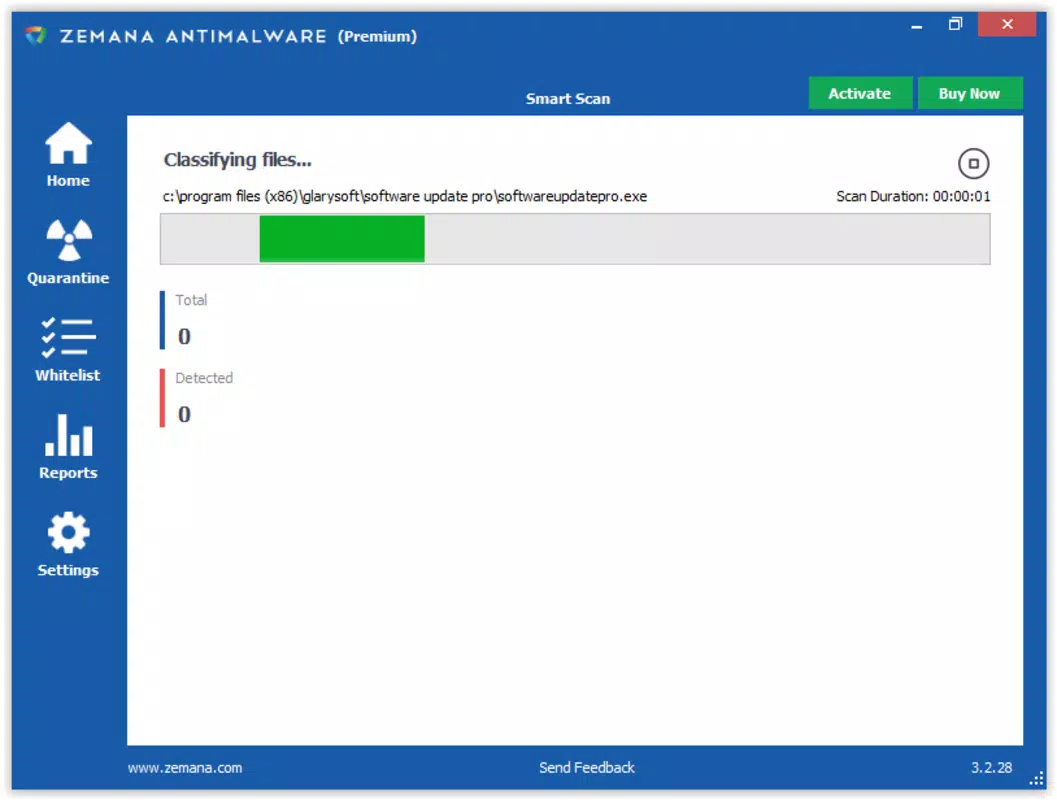
- Flexible Scanning Options: Users can choose between a smart scan, which targets high-risk system areas, and a deep scan, which analyzes every file on the device. This allows for quick checks during daily use or thorough audits when security concerns arise.
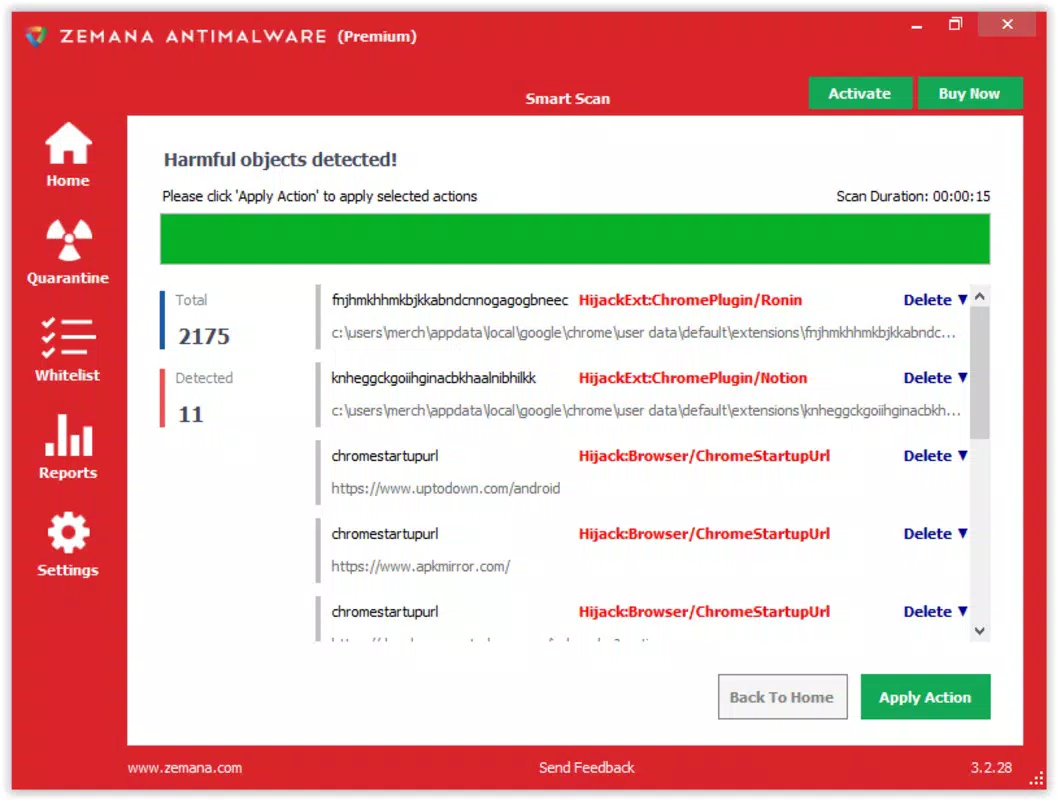
- Detailed Threat Reports: After each scan, the app generates a report listing detected threats with specific details such as file name, threat type, and location. This transparency enables informed decisions about whether to remove or investigate further.
- Quarantine Functionality: Suspicious files are isolated in quarantine, preventing them from executing or spreading. This feature is crucial when dealing with unknown or borderline files, offering a safe way to analyze potential threats without risking system integrity.
- Exclusion Lists: Users can define specific files or folders to skip during scans. This customization helps reduce false positives and avoids interruptions during routine operations, especially when working with trusted applications.
- Comprehensive Removal Tracking: The app maintains a log of all threats removed, allowing users to review their device’s security history. This feature supports long-term awareness of potential vulnerabilities and helps users stay proactive in maintaining device health.
These features work together to create a balanced, user-focused security experience. For example, a user downloading a new app from an unofficial source can run a deep scan to verify safety. If a suspicious file is found, the quarantine feature prevents it from running while the user reviews the threat report. Over time, the removal log helps track recurring threats, informing future behavior and enhancing overall digital hygiene.
Interface, UX & Performance
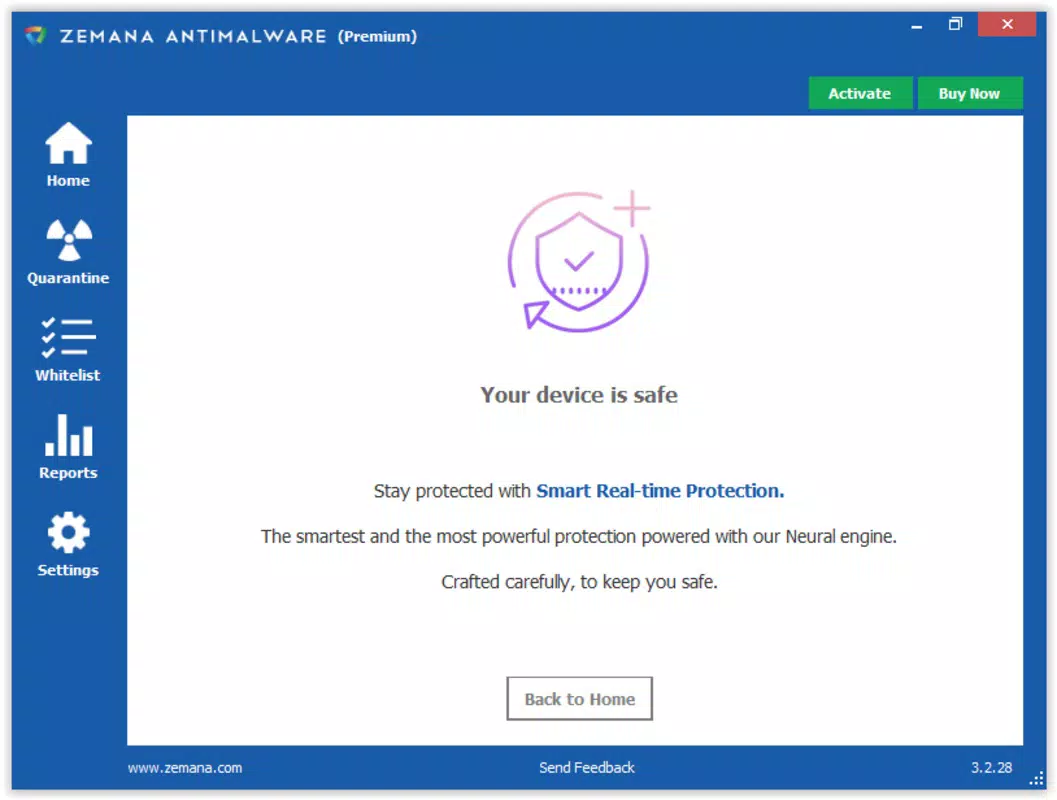
Zemana AntiMalware Free features a clean, intuitive interface designed for accessibility across user skill levels. The layout prioritizes clarity, with clearly labeled buttons and a logical flow from scan initiation to result review. Navigation is straightforward, allowing users to move between scanning, quarantine management, and settings with minimal effort.
The visual style is minimalistic, focusing on functionality over decorative elements. This reduces cognitive load and ensures that critical information—such as threat levels and scan progress—is immediately visible. The app responds promptly to user inputs, maintaining smooth performance even during deep scans.
Although the developer did not list formal performance metrics, the app appears optimized for various device categories, including mid-range and high-end smartphones. Responsiveness remains consistent across screen sizes, and stability is maintained during extended use. No reports of crashes or freezes were noted in the provided information. The app runs efficiently in the background without significantly impacting battery life or system performance.
Platform Compatibility & Technical Requirements
Zemana AntiMalware Free is available on Android, supporting the latest versions of the operating system. The app’s file size is 25.7 MB, making it lightweight and suitable for devices with limited storage. The developer did not specify minimum OS requirements or exact version compatibility, so users should ensure their device meets standard Android requirements for app installation.
Compatibility information was not fully disclosed, but the app is designed for modern Android smartphones and tablets. Users should verify their device’s OS version and available storage before installation. No specific hardware requirements were listed, suggesting broad compatibility across standard mobile hardware.
Pros and Cons
- Lightweight and fast installation with minimal storage impact
- Intuitive interface suitable for non-technical users
- Flexible scanning options for different security needs
- Detailed threat reporting enhances transparency and control
- Quarantine and exclusion features add flexibility and safety
- Removal tracking supports long-term security awareness
- Developer did not provide detailed system requirements
- Specific compatibility with older Android versions is unclear
- No real-time protection was mentioned in the provided data
- Advanced customization options were not detailed
- Updates and release frequency were not disclosed
FAQ
Is Zemana AntiMalware Free safe to download and install?
Yes, the app is designed as a secure utility for mobile protection. It does not contain malware or intrusive behavior. Always download from official sources to ensure authenticity.
Can I use Zemana AntiMalware Free on older Android devices?
The developer did not specify minimum OS requirements. While the app may function on older devices, compatibility is not guaranteed. Users should check their device’s Android version before installation.
Does Zemana AntiMalware Free offer real-time protection?
Based on the provided information, real-time monitoring features were not explicitly described. The app focuses on on-demand scanning and post-detection management.
How often should I run a scan with Zemana AntiMalware Free?
It is recommended to run a scan after downloading new apps or visiting unfamiliar websites. A weekly deep scan can help maintain consistent security hygiene.
Can I exclude certain apps from being scanned?
Yes, the app supports exclusion lists, allowing users to specify files or folders that should be skipped during scans. This helps prevent false alerts and ensures smoother operation.
Final Thoughts
Zemana AntiMalware Free stands out as a dependable, no-frills security tool for Android users seeking reliable malware protection. Its combination of flexible scanning, detailed reporting, and intelligent quarantine management delivers tangible value without overwhelming users. While real-time protection and advanced features were not detailed, the app excels in core functionality and usability.
It is ideal for individuals who prioritize security but lack the time or expertise to manage complex tools. The lightweight design and minimal resource usage make it suitable for everyday use across a wide range of devices. For users looking to enhance their mobile security with a trusted, straightforward solution, Zemana AntiMalware Free offers a strong foundation.
Download Zemana AntiMalware Free now


